The expense tracker that reads your bank statement
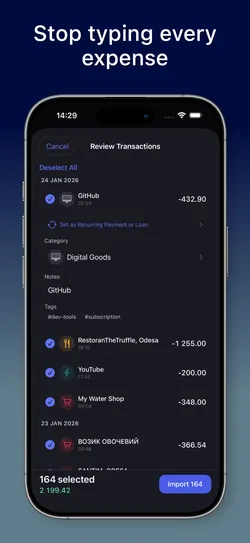
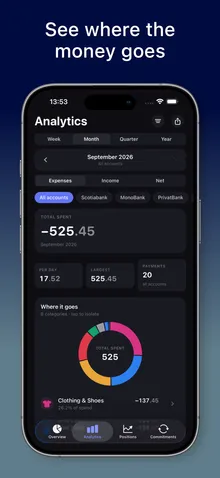
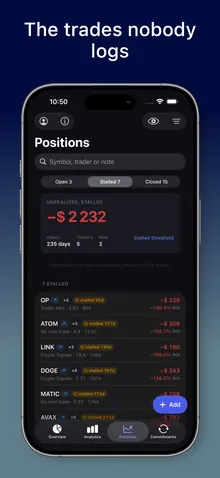
Stop typing every purchase. Drop in the statement your bank already gives you and MoneyFlux turns it into a ledger you own: spending, subscriptions, debts, net worth and trading calls, side by side.
First statement import free
Eight currencies, never mixed
Your own private iCloud
Free · No sign-up · iOS 26.1 or later
What it fixes
Ten money problems, and what MoneyFlux does about each
Pick the one that sounds like you. Each links to a guide that explains the problem and the fix.
The whole ledger is free. Premium adds unlimited imports and the deeper sections.
Free
$0
Accounts, transactions, transfers, tags and splits
Your first bank statement import
Apple Pay logging with Shortcuts
Analytics for one period at a time
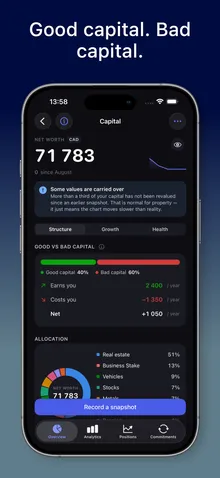
Savings goals and your capital asset list
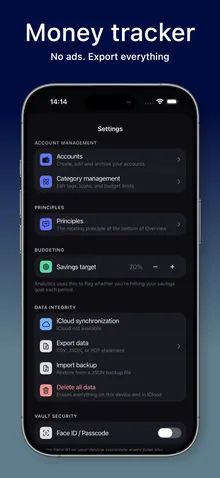
iCloud sync, Face ID lock, backup restore
Premium
$4.99/month or $29.99/year
7-day free trial on the annual plan
Unlimited statement imports
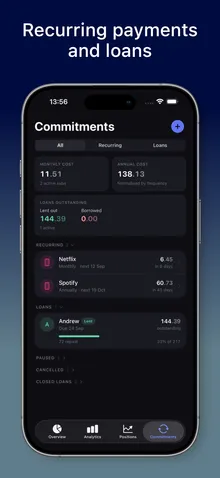
Commitments: subscriptions and loans
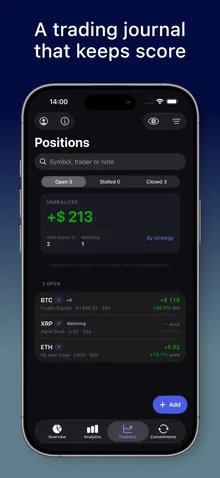
Positions: trading journal and trader scorecard
Capital snapshots, growth and health
Period comparison, filters and drill-down
CSV, PDF and JSON export, yours for good
Ask AI on Analytics, Positions and Commitments
US App Store prices. Your local price is shown in the App Store before you subscribe. Subscriptions renew automatically and can be cancelled anytime in Apple Account settings.
FAQ
Questions people ask before they install
What is MoneyFlux?
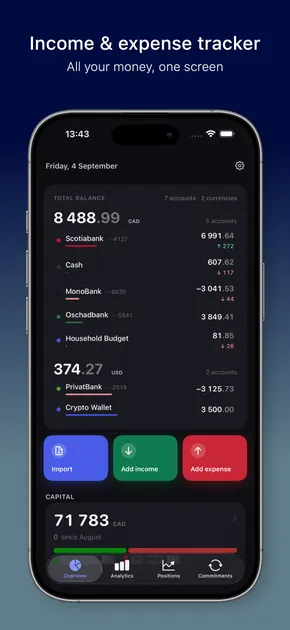
MoneyFlux is an expense and income tracker for iPhone and iPad that starts from the statement your bank already gives you. Import the file, review every row, and see spending, subscriptions, personal loans, net worth and trading calls side by side. There is no sign-up, no ads and no trackers.
Which banks and file formats can MoneyFlux import?
PrivatBank and Monobank CSV statements; Oschadbank, Raiffeisen Bank, A-Bank and Scotiabank PDF statements; OFX, QFX and QBO files from any bank that offers them; and the CSV export of the Saldo app. MoneyFlux detects the format from the file itself, so you never pick it from a list.
Does MoneyFlux connect to my bank or ask for my banking login?
No. MoneyFlux never connects to a bank and never asks for a banking login, card number or password. You download a statement file from your bank yourself and pick it in the app. MoneyFlux is not affiliated with any bank.
Where is my financial data stored, and who can read it?
On your device and in your own private iCloud, through Apple's CloudKit private database, where only you can read it. The developer cannot access it. Your statement file is read on your phone and the file itself is not uploaded anywhere.
Does MoneyFlux convert between currencies?
No, on purpose. MoneyFlux keeps UAH, USD, EUR, CAD, GBP, CHF, PLN and RON side by side and shows totals per currency. It never adds them up with an exchange rate it made up, so every figure is money you actually have.
How much does MoneyFlux Premium cost?
In the US App Store, MoneyFlux Premium is $4.99 a month or $29.99 a year, and the annual plan starts with a 7-day free trial. Prices in other countries differ and the App Store shows yours before you subscribe. The ledger itself is free forever.
Your bank already wrote down every card purchase. Here is how to get that file out of online banking and into an expense tracker, so you only type what the bank never saw.
Most forgotten subscriptions aren't hidden. They're spread across your Apple Account, two cards and a yearly renewal you agreed to fourteen months ago. Here's how to pull them into one list and stop being surprised.
Hryvnias at home, dollars from a client, Canadian dollars for rent. Most apps squeeze it all into one number with a rate they picked. Here is a calmer way to track expenses in multiple currencies.