

Spending
How Much Should I Save Each Month? Find Your Own Number
Every article gives a percentage. Few say what to do when the percentage doesn't fit your rent. Here is how to test a rule against your real month and settle on an amount.
Spending
Online calculators hand you one number and no way to check it. The sums behind them are two lines of arithmetic. Here they are, with a worked example you can copy.
A savings goal calculator gives you a monthly figure. It can’t tell whether your month can carry it. The sum behind it is two lines, so here it is.
None of this is financial advice. The figures are examples; swap in yours.
A savings goal calculator answers three questions:
Question 3 is plain addition: balance = saved so far + monthly amount x months. With $800 saved and $150 a month for 18 months, that is $800 + $2,700 = $3,500.
monthly amount = (goal - already saved) / months leftExample: you want $5,000 for a cushion and have $800 so far. You want it in 18 months.
Count months from your first payment, not from today. If the first payment is next payday, three weeks away, that payment is month 1.
Now test it against reality. If your usual month leaves $150 after bills, $233 won’t happen, and you’d rather learn that now than in month four. The post on how much to save each month shows how to find what’s left after bills from your last three months.
months to finish = (goal - already saved) / monthly amountSame $4,200 still to go:
| Monthly amount | Months |
|---|---|
| $150 | 28 |
| $233.33 | 18 |
| $300 | 14 |
| $400 | 11 (10.5 rounded up) |
A jump from $150 to $300 cuts the wait by half, from 28 months to 14. Going from $300 to $400 saves only three. The early increases buy the most time.
When the answer has a fraction, round up. Ten and a half months means eleven payments.
Say the formula returns $233 and you can manage $175. You have three levers.
If the date is fixed, like a trip, lower the goal or add a lump sum. If it’s flexible, like a cushion, move the deadline.
Not much, on a short goal. With interest, the formula for the monthly amount is:
monthly amount = goal x r / ((1 + r)^n - 1)where r is the monthly rate (yearly rate divided by 12) and n is the number of months. That formula assumes you start from zero and pay at month end.
For this one example I’m dropping the $800 already saved, which keeps the formula short. Same 18 months, $5,000 goal, 4% a year as an example rate. The no-interest answer is $277.78 a month. With interest it is $270, a gap of about $8. Across the 18 months the account pays you roughly $140.
Your rate will be different, and rates change, so look at your own account rather than trusting my 4%. The point is the size of the effect. On a goal under two years, interest saved about $8 a month in this example, so don’t build the plan around it. On a ten-year goal it adds up, and a compound-interest calculator is worth using.
If you hold the money somewhere that pays almost nothing, the simple formulas above are accurate.
Say you set up the plan with $233 a month. Six months in, you have paid in four times, because March was short and May brought a car repair. The plan expected $2,198 by now ($800 + 6 x $233). The calculator doesn’t know you’re behind.
Rerun the first formula. Balance: $800 + 4 x $233 = $1,732. Still needed: $5,000 - $1,732 = $3,268. Months left: 12. New monthly amount: $272, up from $233.
The sum is the easy part. Each month, check three things:
Here the payment rose by $39, about 17%. If you can absorb that, pay it. If you can’t, move the deadline. Either way, decide now rather than next quarter.
Several goals at once means this check runs several times. The post on sinking funds covers adding the monthly amounts together, so the total doesn’t exceed what you can set aside.
One row per goal. Columns: goal, target, saved so far, deadline, months left, monthly amount needed. Months left is the date difference, and the amount is =(target - saved) / months_left. It works, and you update the “saved so far” column by hand each month. The spreadsheet versus app comparison covers when that stays practical.
A MoneyFlux goal shows a monthly amount and an expected finish date, and updates both when your balance changes. Goals are free.
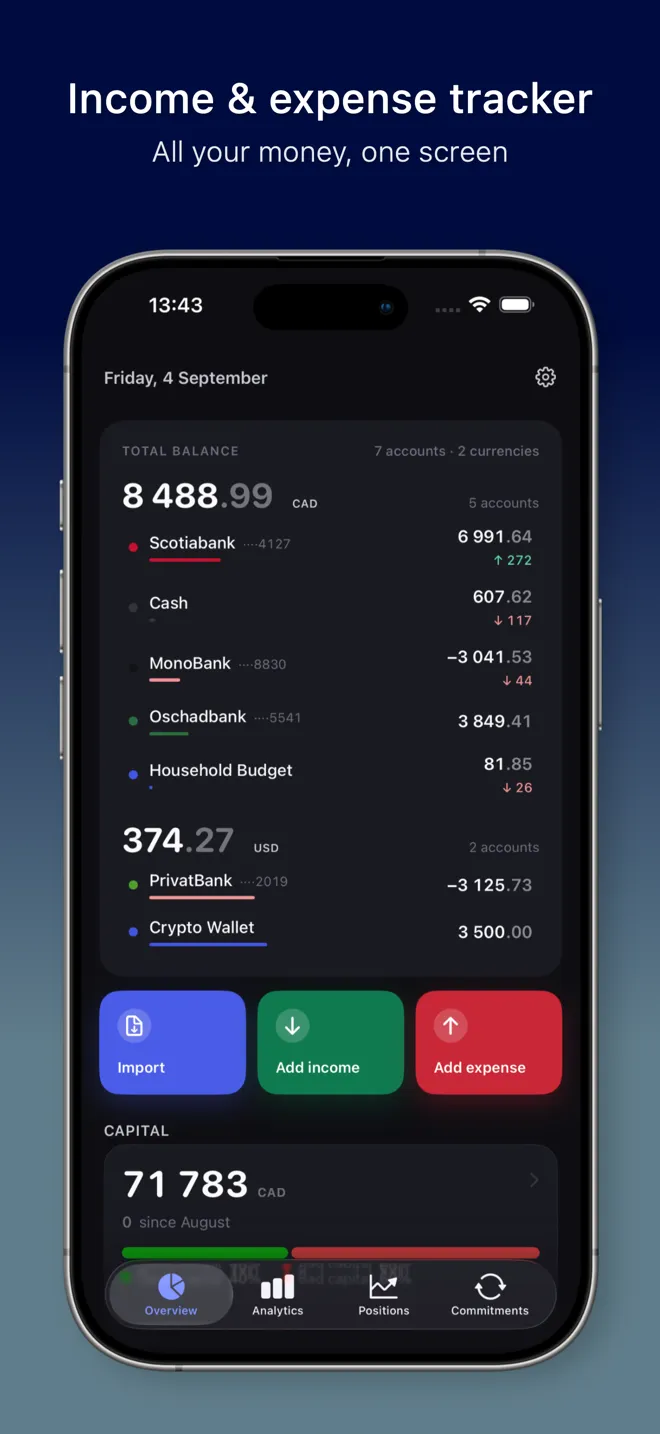
Try it in MoneyFlux: make a goal using the example above: $5,000, a deadline 18 months out, and $800 added as the first deposit. Compare the monthly amount the app shows with the $233 from the formula. If they differ, check that the app and you count the same number of months to the deadline.
For the longer view, savings goals on the Features page shows how goals and the income target fit together.
Once a month, on payday: put the money in, look at the finish date, and ask whether it still sits where you want it. When it slips by a month or more, rerun the formula. It takes two minutes. Skip it for three months and the finish date you wrote down stops meaning anything.
Subtract what you've already saved from the goal, then divide by the amount you can put in each month. $4,200 still to save at $300 a month takes 14 months.
Subtract what you've saved from the goal and divide by the number of months until your deadline. For $4,200 still needed in 18 months, that is about $233 a month.
On a short goal, barely. At an example rate of 4% a year, an 18-month goal of $5,000 needs about $8 less per month than the no-interest answer. Your own rate will differ, so check your account.
Move the deadline, lower the goal, or both. Going from 18 months to 24 on the example above drops the monthly amount from $233 to $175.
It shows the monthly amount and the expected finish date at your current pace for each goal. It doesn't include interest or give advice, and it doesn't move money, so you make the transfer in your bank.